-
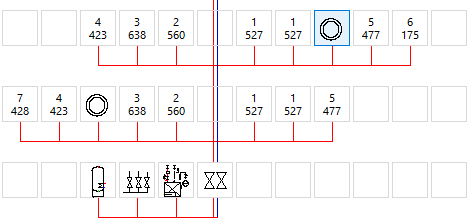
Select the symbol you want to copy with the left mouse button pressed and additionally hold down the Ctrl key.
-
Place the cursor over the symbol field to which you want to copy the symbol.
A small plus icon
 appears at the cursor.
 -
Release the left mouse button over the symbol field.
You have copied the symbol to the desired position.