-
Select the HVAC Components in Link checkbox if the modified components are located in a linked model file.
-
Click Update Mounting Elements <.
-
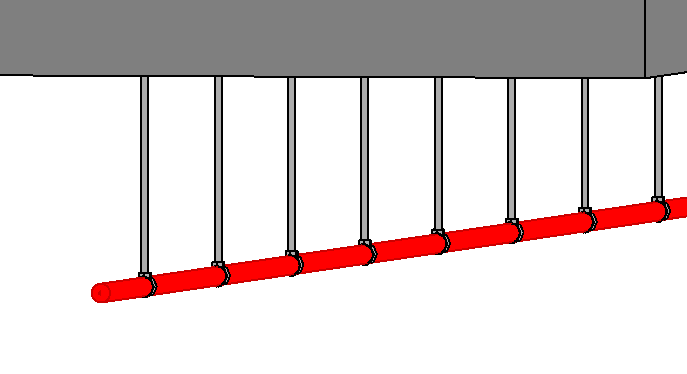
Select the fasteners individually by clicking on them or using a selection frame.
-
Confirm the selection with Enter.
The position of the fastening element is tracked and adjusted to the new position of the pipes, ducts, or HVAC component.