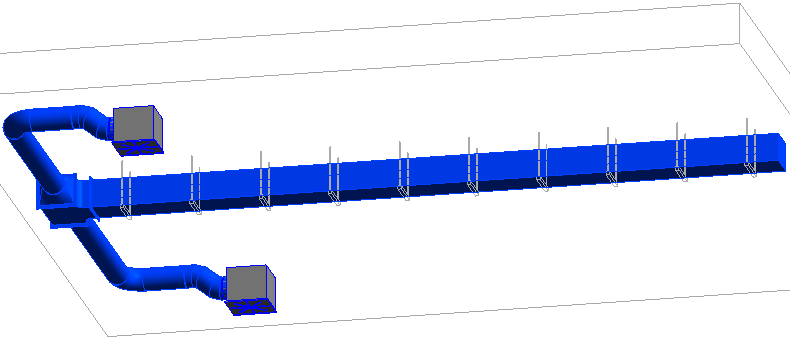
-
Open the section Mounting <.
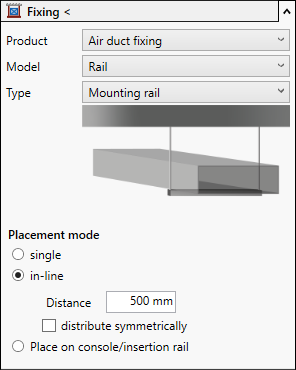
-
Select the desired mounting element.
-
Activate the placement mode Array and define the desired distance .
-
Activate distribute symmetrically.
-
Click Mounting <.
-
Follow the displayed instructions.
The mounting elements are placed.