-
Open the section Fixing.
-
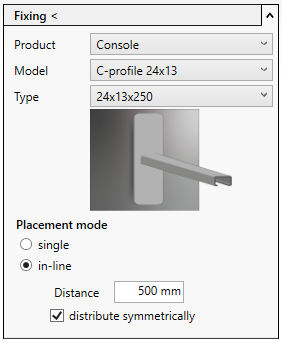
Select the Product Bracket, define Model and Type and activate the desired Placement mode.
-
Click Fixing<.
-
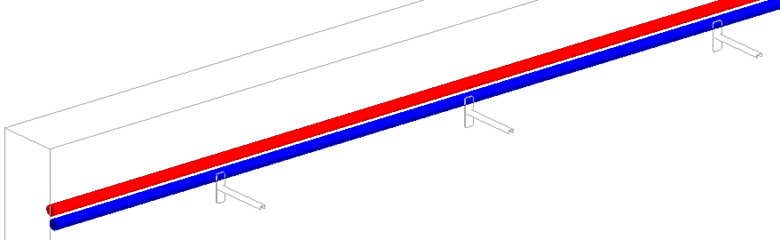
Follow the displayed instructions.
The brackets are placed at the wall.
-
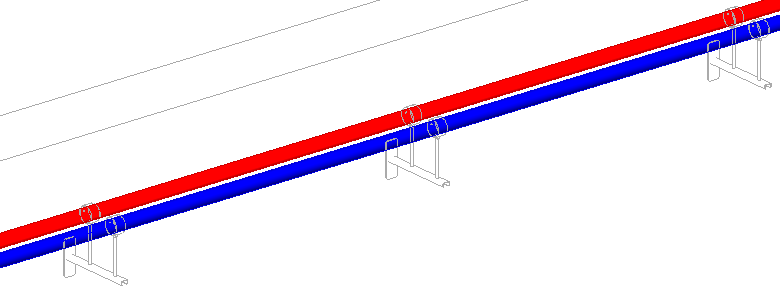
Select the desired fixing and activate the placement mode on bracket/insertion rail.
-
Click Fixing<.
-
Follow the displayed instructions.
The components are mounted on the brackets.