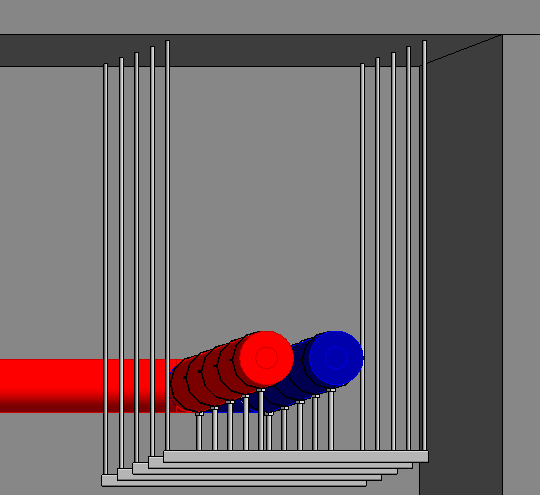
-
Open the section Fixing <.
-
Select Insertion rails as the product and specify the model and type.
-
Select the placement mode in line.
-
Adjust the distance, the additional width and the additional height.
-
Activate distribute symmetrically.
-
Click Fixing < and follow the instructions.
The insertion rails are placed.
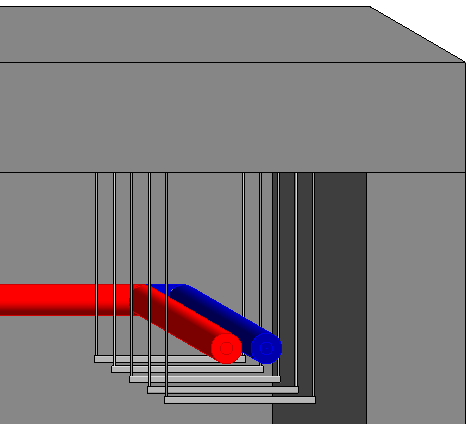
-
Select the desired fixing and activate the placement mode on bracket/insertion rail.
-
Click Fixing < and follow the instructions.
The pipes are fixed to the insertion rails.