Problem
When determining the room volume, one wall is ignored and the MEP space thus extends over two rooms.
Possible cause: missing room bounding
The wall was not defined as a room bounding component and is therefore ignored
when creating the MEP space. The room extends across the wall accordingly.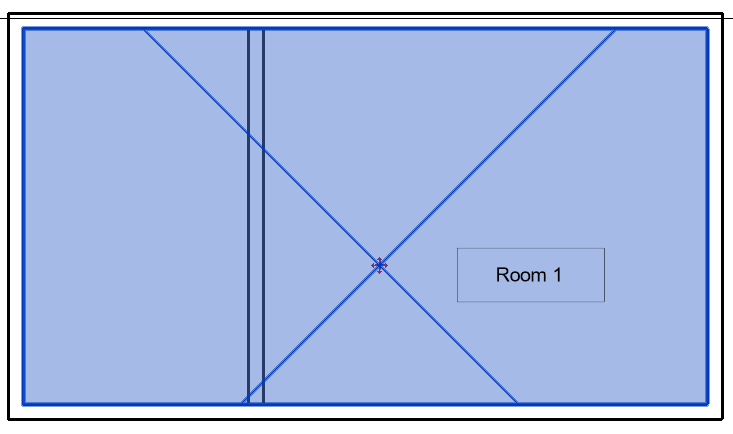
Solution
- If you have access to the
architecture, activate the Room bounding option in the
Properties of the wall in the architecture
model.
Possible cause: partially suspended ceilings
This can similarly be true for walls with activated room boundary, e.g. if the ceiling was partially suspended. In these cases, note that the base surface of a wall are not recognized as room boundaries in Revit. As the MEP space expands from bottom to top, it extends through the base surface and into the wall.
Solution
- This problem can usually be solved
in the architectural by modifying the ceiling structure. After the modification,
the base surface no longer hangs in the open space, but rests on the suspended
ceiling, as shown in the following figure (left: before, right: after):
