-
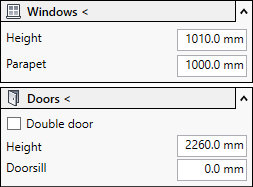
Open the Windows or Doors section.
-
If you want to construct a double door, activate the Double door check box.
-
Enter the vertical dimensions of the windows or doors.
-
Click Windows < or Doors < and follow the displayed instructions.
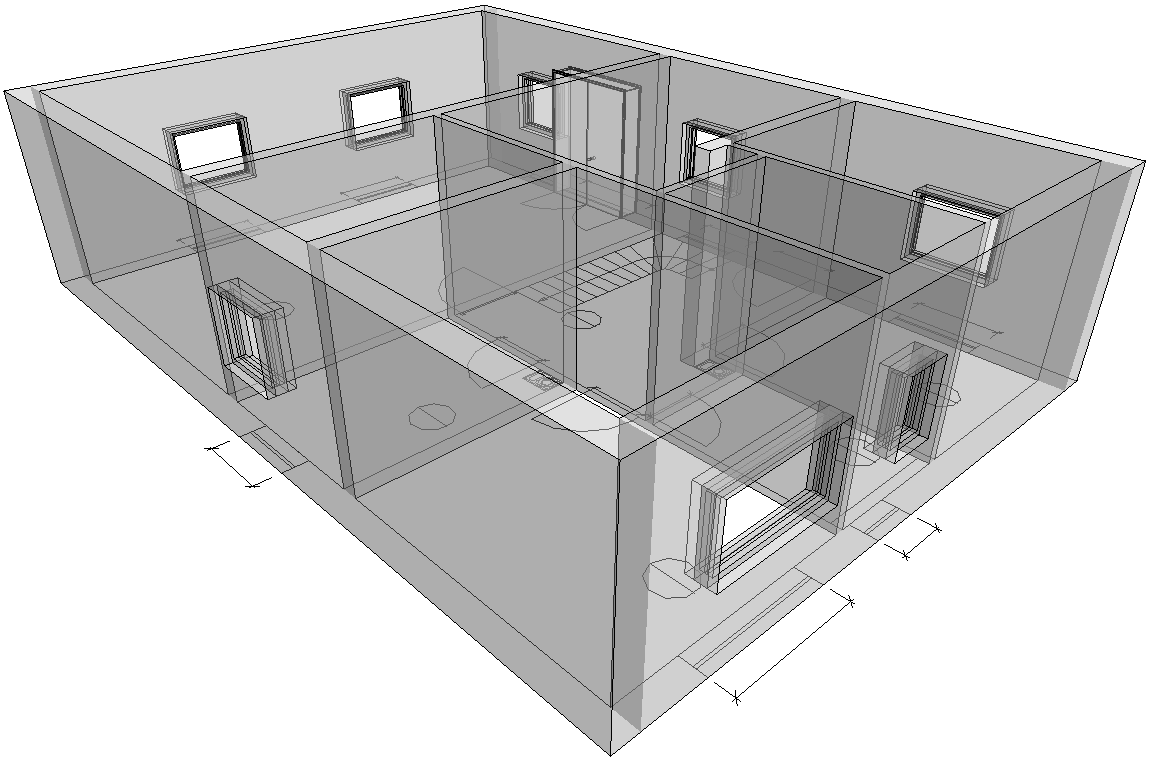
Windows and doors are placed in the walls.