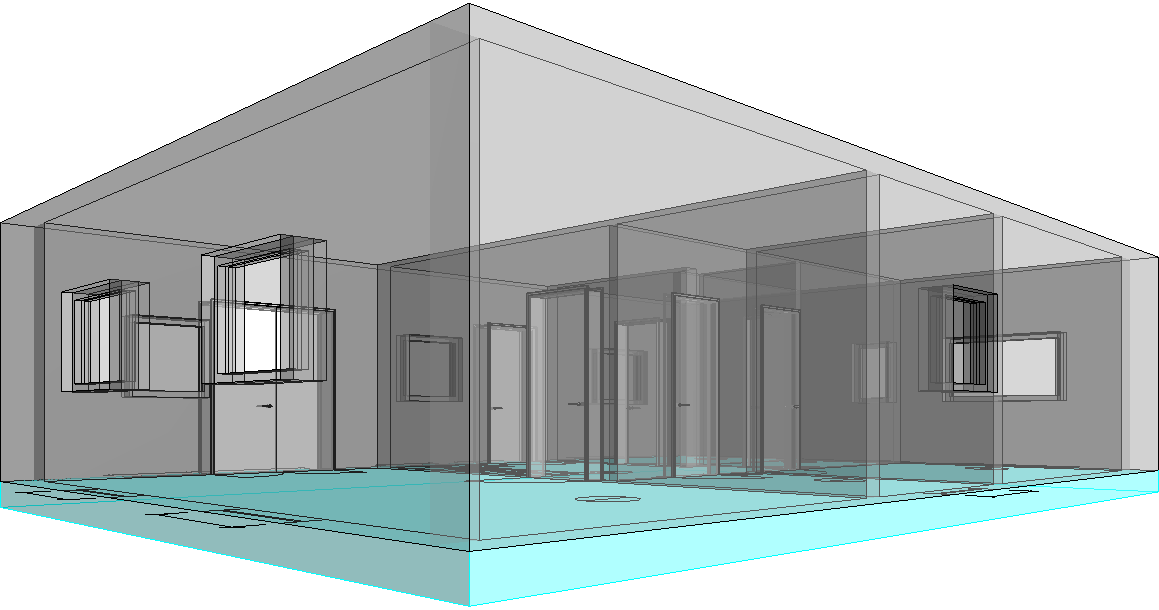
-
Open the Floors section.
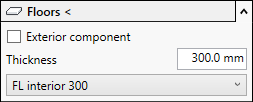
-
If the floor to be inserted is an exterior component, activate the Exterior component check box.
-
Enter the thickness of the floors to be constructed.
-
Click Floors < and follow the displayed instructions.
The floor is constructed.