-
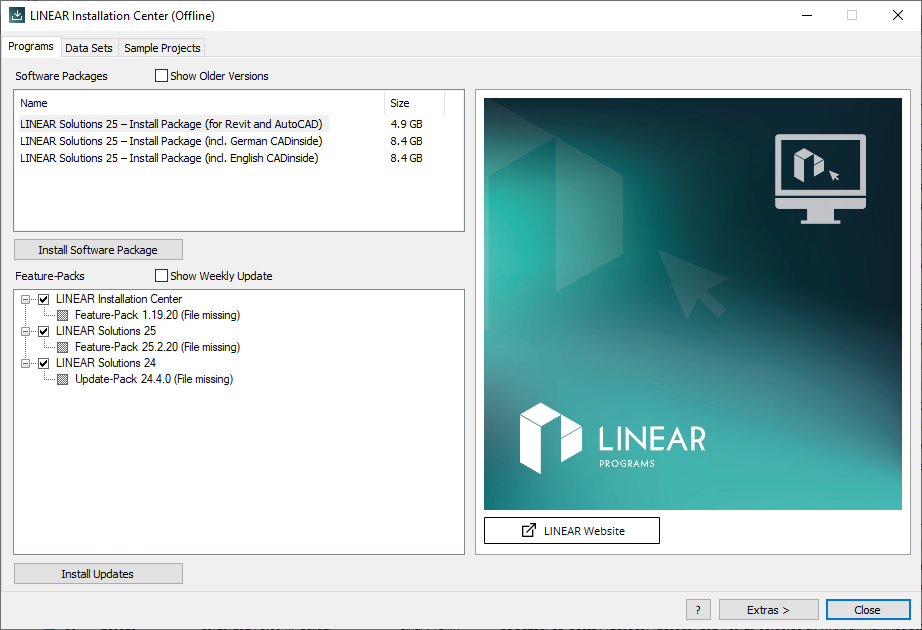
Start the LINEAR Installation Center.
-
On the Programs tab, activate the boxes of software updates you would like to install.
-
Click Install updates .
The software updates have been downloaded and installed.
LINEAR Revit V26
Shows step-by-step how to use the LINEAR Installation Center to install software updates from the LINEAR server to your computer.
Start the LINEAR Installation Center.
On the Programs tab, activate the boxes of software updates you would like to install.
Click Install updates .
The software updates have been downloaded and installed.