-
Click Filter > and configure a filter that displays only the sample projects that are relevant to you in the context menu that opens.
-
Tick the checkboxes of the sample projects you want to install.
-
Click Install sample projects.
The selected sample projects are downloaded and installed.
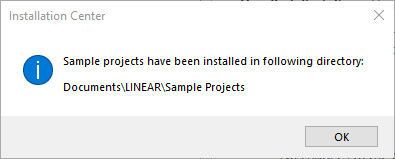
You have downloaded and installed the desired sample projects. You can find the sample projects under the following path: C:\Users\”user_name”\Documents\LINEAR\Sample Projects\…. The installation files for the sample projects are saved under the path specified in the Settings (Download directory / Directory in company network).