-
Start the LINEAR Installation Center.
-
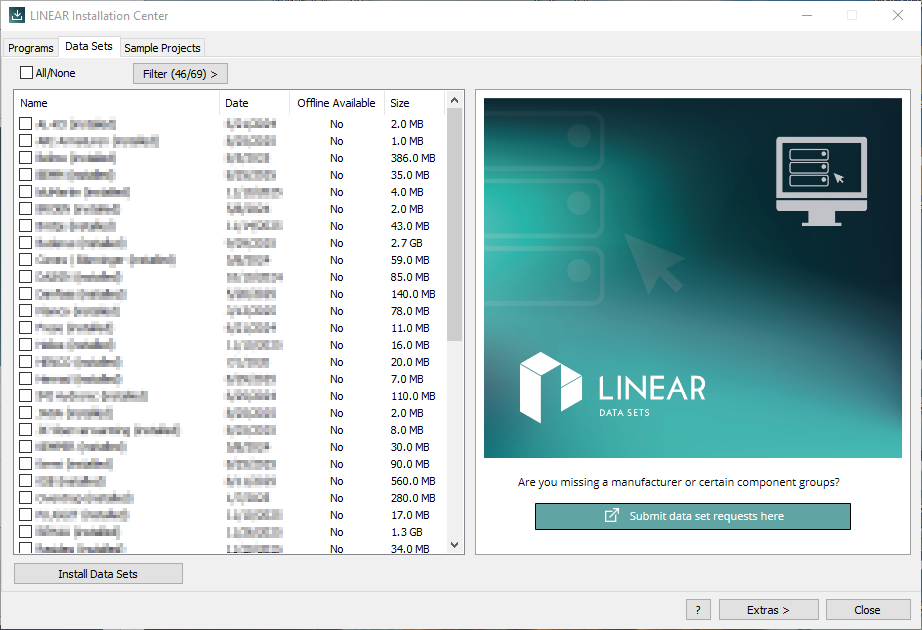
Select the Data sets tab.
-
If necessary, use the Filter (.../...) > button to filter the data sets according to the available criteria so that the LINEAR Installation Center displays only the desired data sets.
-
Tick the checkboxes of the data sets you want to install.
-
Click Install data sets.
-
Log in with your customer account or register for free as a customer.
The selected data sets were downloaded and installed.