-
Specify whether you want to Consider minimum packaging quantity.
-
Specify which manufacturers should be considered for printing.
-
Click
 in the toolbar.
The dialog Compilations and Results opens.
-
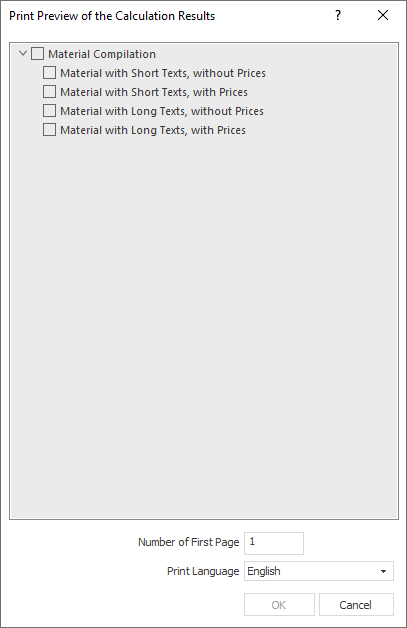
Activate the desired options.
-
Adjust the number of the first page and the print language.
-
Click OK.
The preview of the printout opens.
-
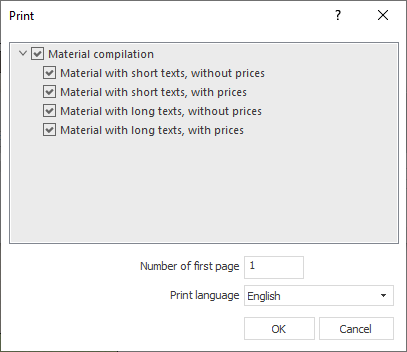
Click Print.
The Print dialog opens.
-
Click OK.
The system dialog for printing opens.
-
Make the desired settings and print the document.
The material compilation is printed with the desired options.