You are here:
Print  (Toolbar)
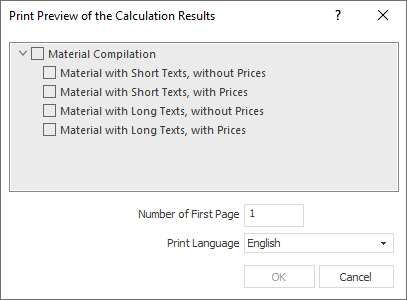
You can print the material compilation with the project data in different variants. Activate the desired options. Right-clicking on an option opens a context menu in which you can open the print mask editor. In the print mask editor, you can then edit the underlying print mask that is used to print the option. Clicking on OK opens the print preview in which the selected data is displayed. You can print the data in the print preview.