-
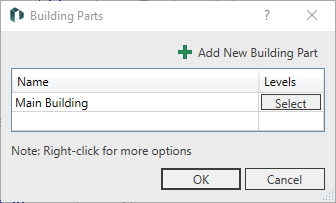
Click Building parts ….
-
Click in a free line of the table or on Add New Building Part to create a new building part.
-
Enter a new name for the new building part and close the dialog by OK.
The new building part is created.
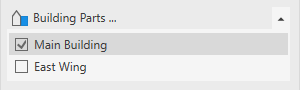
-
Click Storey....
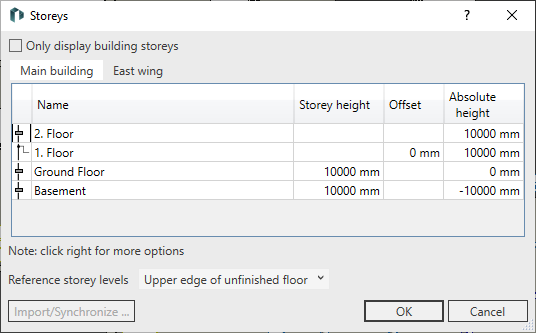
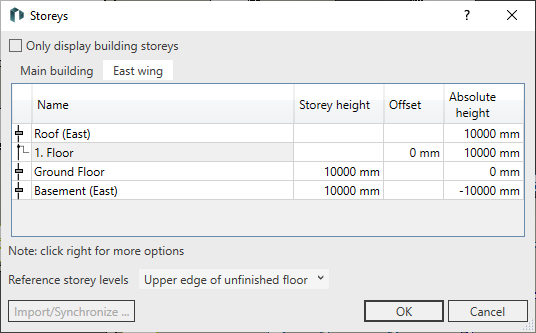
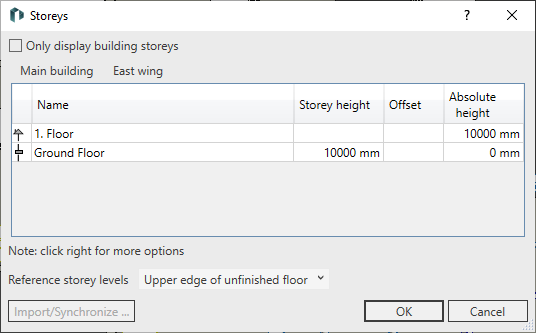
The Storey dialog opens. For each building part there is an independent storey table on a separate tab.
-
Use the context menu to create the storeys for each building part and enter the desired values for the storeys.
Two building parts with different storey are created.