-
Click
 beneath the pipe run.
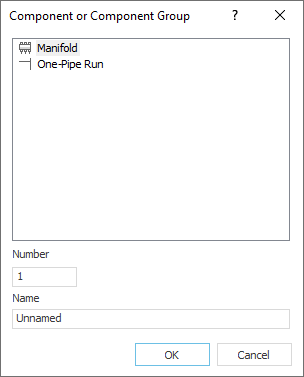
The Component or Component Group dialog opens.
-
Select Manifold, if need be set Number and Name and confirm with OK.
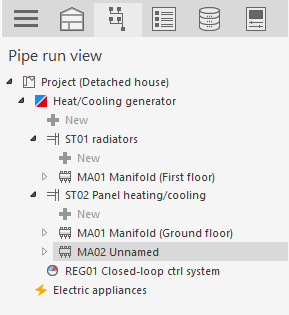
The new manifold is now in the pipe run view.
LINEAR Revit V26
Shows step-by-step how to add new elements to a pipe run view.
Click beneath the pipe run.
The Component or Component Group dialog opens.
Select Manifold, if need be set Number and Name and confirm with OK.
The new manifold is now in the pipe run view.