Shows step-by-step how to semi-automatically place void proposals.
If the architecture or MEP components are in a linked file, select Architecture in Link or MEP Components in Link.
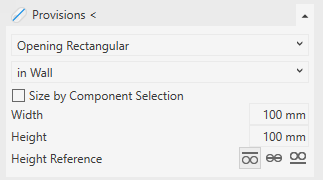
Open the Provision section.
Select the void type and the placement of the void.
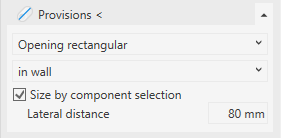
Activate Size by Component Selection.
Enter the lateral distance.
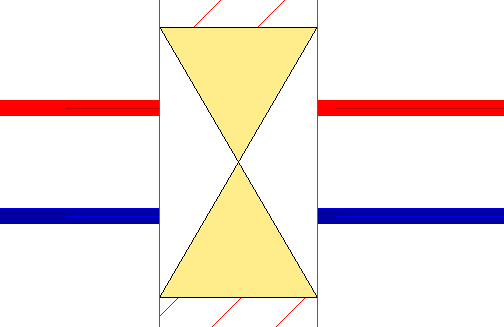
The lateral distance is the distance between the pipe, duct or cable trays and the inner edge of the opening.
Click Provisions < and follow the displayed instructions.
The void proposal is placed.
About Cookies
This website uses cookies. Those have two functions: On the one hand they are providing basic functionality for this website. On the other hand they allow us to improve our content for you by saving and analyzing anonymized user data. You can redraw your consent to using these cookies at any time. Find more information regarding cookies on our Data Protection Declaration and regarding us on the Imprint.