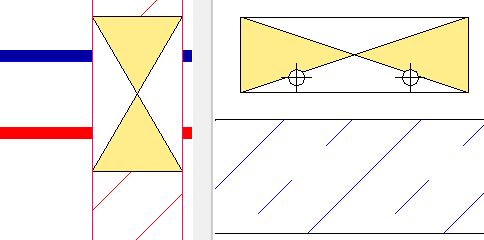
-
Select the reference level in the Construction Level/ Offset (+/-) section.
-
Select the datum level. If the datum level conforms to the reference level, select Current Storey.
-
Enter an offset to the datum level.
If the opening proposal is to be below the reference level, enter a negative offset.
-
If the architecture or MEP components are located in a linked file, select Architecture in Link or MEP Components in Link.
-
Open the Provision section.
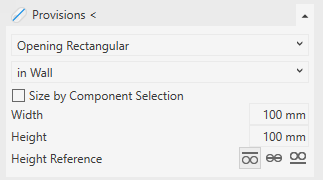
-
Select the void type and the placement of the void.
-
If necessary, deactivate Size by Component Selection.
-
Enter the dimensions of the void.
-
Select a height reference.
-
Click Provisions <.
-
Select the wall in which you want to place the void proposal and place the void.
The void proposal is placed.