-
Click Link...
The file explorer opens.
-
Navigate to the BCF file to be linked and select it.
-
Confirm your Selection with Open and exit the dialog Topics with OK.
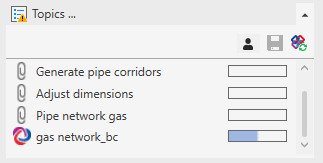
The linked BCF file is displayed in the Topics section. Linked BCF files can be recognized by the BCF symbol  in front of their name. Issues in this topic can be found in the Issues section.