-
In the duct network, select the component starting from which you would like to select a branch with all corresponding components.
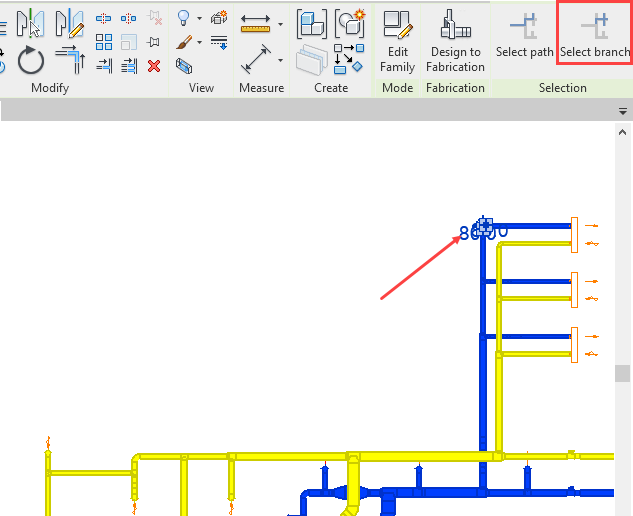
On the Modify | Pipes tab in the Revit Ribbon, the Select branch function button appears.
-
Click the Select branch button to start the function.
-
Select any second component located in the duct network in the direction of the branch end.
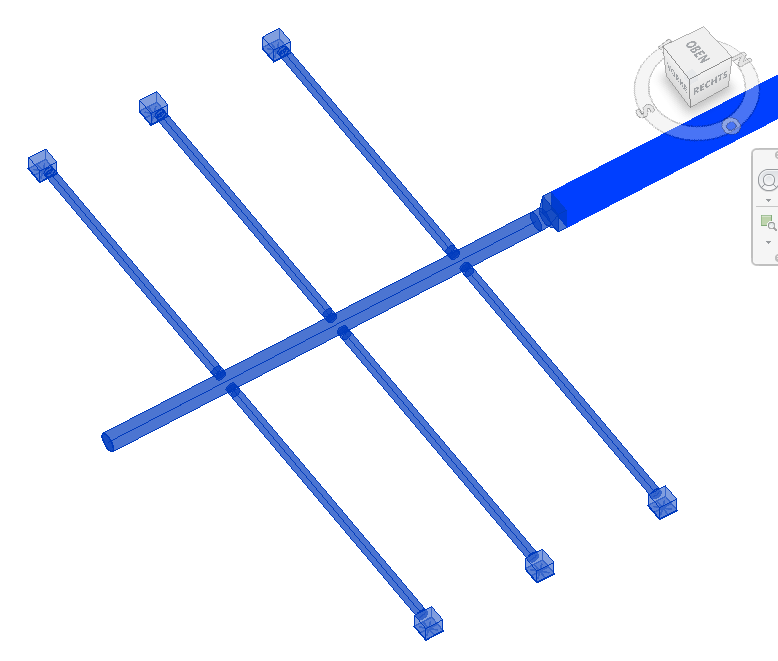
All components of the branch are selected starting from the initially selected component.