In this dialog, you define the impurities of the respective room or the rooms to be processed together.
You are here
Module Overview ➤ Ventilation ➤ Project, Building Part, Storey, Area Level (Building Structure) ➤ Air Volumes ➤ Calculation Method ... ➤ DIN EN 16798-1 Air Pollution, Method 2 (03-2022) (Selection of Calculation Method) ➤ Project Level ➤ Air Pollution Method 2 ➤  (Column Contaminations)
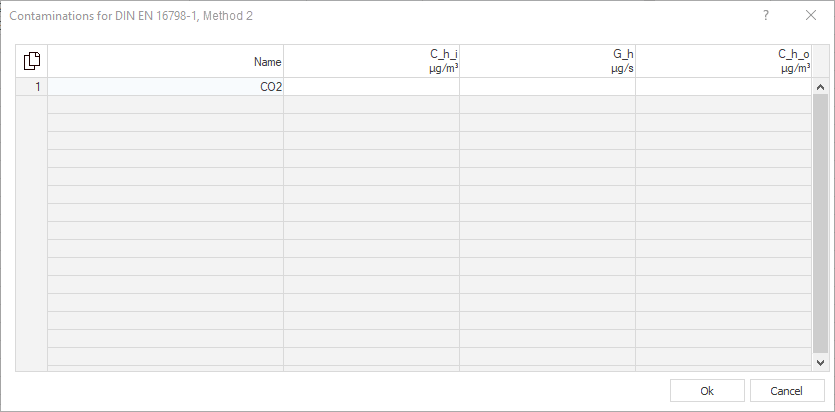
Click in an empty row or press F5 to add more contaminants. After defining the limit value for the material, the emission of the material and the concentration of the material in the supply air, the outdoor air flow rate required to comply with the limit value is displayed in the Q_h column. Press F6 to delete entries from the table. The mandatory CO2 entry cannot be deleted.
By clicking  you have the possibility to copy the contents of the table with or without column heading and paste it into Excel.
If you have selected individual rows or cells, you can copy the selected data with the key combinations Ctrl+C (with column heading) or Ctrl+Shift+C (without column heading) and paste it into Excel, for example.
| Column | Name |
|---|---|
| Name |
Defines the name of the material.
|
| C_h_i | Defines the limit value for the concentration of the material in the room. |
| G_h | Determines the total emission of the substance in the room. If, for example, it is a person-related emission, you must take into account the number of people in the room itself. |
| C_h_o | Determines the concentration of the material in the supply air. |
| Q_h | Displays the outdoor air volume flow rate required to comply with the limit value. |