-
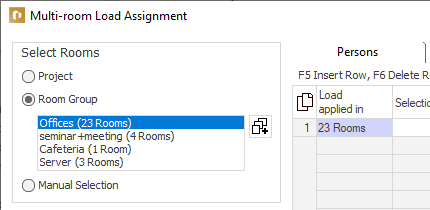
In the Select Rooms section, click
 .
.The Room Groups dialog opens.
-
If necessary, activate Rooms in max. one group per module (new groups only).
-
In the Room Groups dialog, click
. -
In the next window, enter the name of the new room group and click on OK.
-
In the building structure shown on the right, activate all rooms that should be included in this room group.
-
Close the dialog.
The newly created room group appears in the list of room groups and can be used for load assignments.