-
Save the .linlic license file on your license server.
-
Read the .linlic license file on the server.
-
Run the .linlic license file by double clicking.
The license file is automatically read by LINEAR Installation Center and your softlock is created.
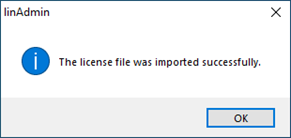
The license data has been read successfully and your softlock has been installed.