-
Download the LINEAR Admin package from the following link:
https://data.linear.eu/linear_admin_packet/LINEAR_Admin_Packet.exe.
-
Start the installation via the file LINEAR_admin_packet.exe..
-
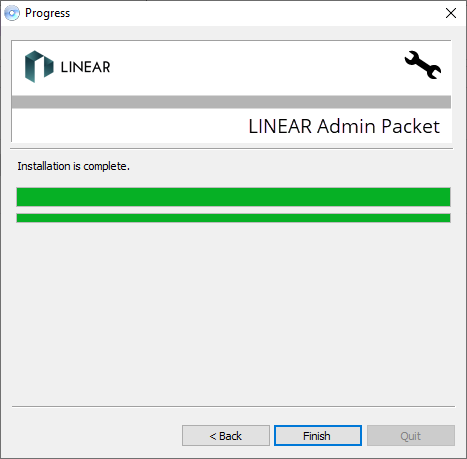
Install the latest versions of the programs LINEAR Admin, LINEAR Installation Center and the HASP HL device driver on the server.
If the programs are already installed, perform any necessary updates via the LINEAR Installation Center.
-
Start the LINEAR Installation Center and if necessary update the LINEAR Admin.
The LINEAR Admin, the LINEAR Installation Center and the software protection driver (HASP HL device driver) are installed and up to date. Installing the software protection driver installed one of the following three services:
-
Sentinel LDK License Manager
-
Sentinel HASP License Manager
-
Sentinel Local License Manager