-
Click Import License File....
The Import license file dialog opens.
-
If necessary, navigate to the location of your .linlic license file and open the file.
The license file is read out.
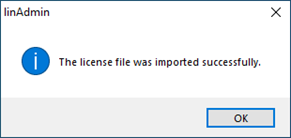
The license data has been successfully imported and the HASP SRM dongle is licensed.