You are here:
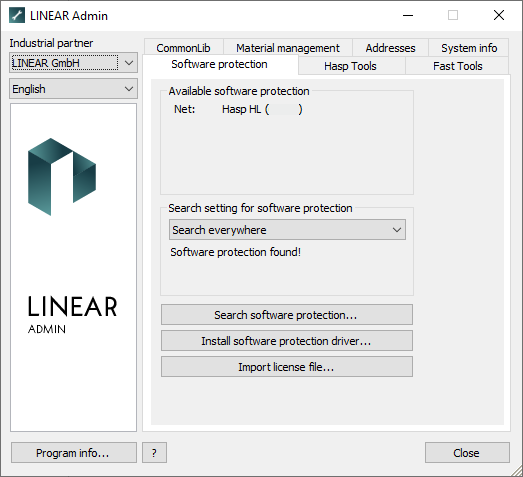
Available software protection: If you performed a search using the Search software protection ... button, the found software protection will be displayed in this section.
Search settings for software protection: In this section you can use the drop-down list to set where to search for what type of software protection (e.g. Local: Softlock) when the Search software protection ... button is clicked.
| Software Protection | Search setting > |
|---|---|
 |
Local: HASP HL |
 |
Local: Softlock: |
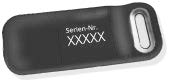 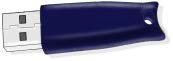 |
Local: Fast HL |
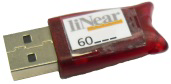 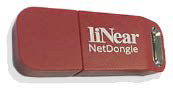 |
Net: Hasp HL |
 |
Net: Softlock: |
Search software protection...: Starts the search for an existing software protection according to the settings under Search setting for software protection.
Install software protection driver...: Installs the Sentinel Runtime Environment (the software protection driver).
Import license file...: Opens a file explorer where you can select a license file for import.