-
Click
- an already existing label family and then Edit family on the Revit ribbon, or
- double-click a family that ins included in the program directory, after you have copied and renamed it: ..\ProgramData\LINEAR GmbH\Solutions xx\CAD\<Discipline>\User-standards\LabelsRevit\20xx.
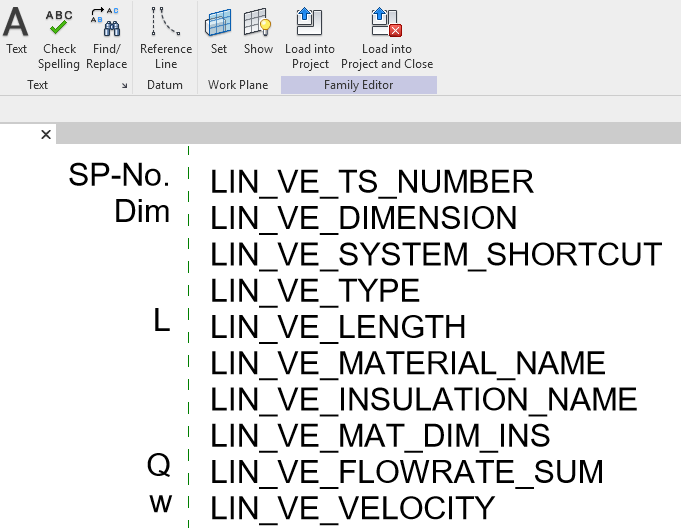
-
Edit the variable name by double-clicking it.
-
Select the variables and click Edit labels on the Revit ribbon.
-
Make the desired changes and click OK.
-
On the Revit ribbon, click Load into Project and Close.
-
Save the new label family.
Existing labels of this family are updated and the new label family can be loaded in the Configure label section in the Labeling dialog.