-
Select the LINEAR template.
-
Make the desired changes in the Settings of the pipe network calculations.
-
Click and save the file as a template under a different name.
-
Navigate to and add the template you just created.
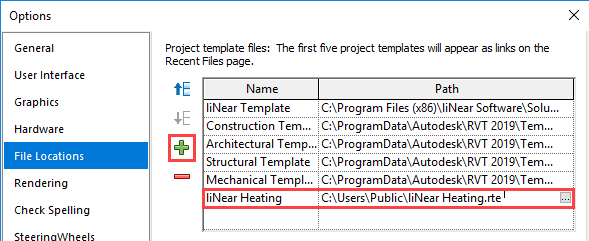
The customized template is available for selection in the list of templates when creating a new project.