-
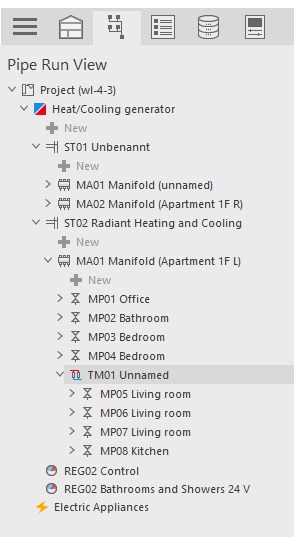
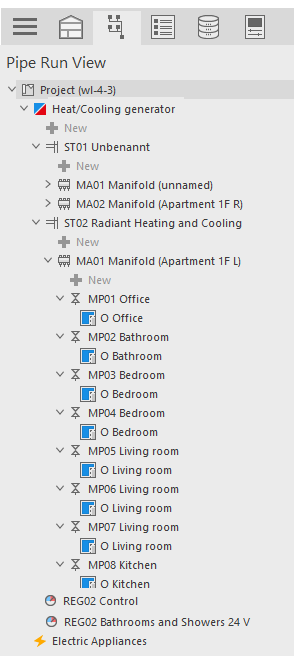
Expand the view of the manifold on which you want to create a Tichelmann circuit.
-
Click the
 button beneath the manifold.
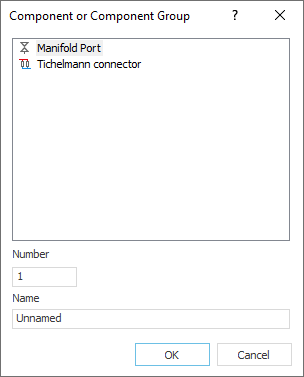
The Component or Component Group dialog opens.
-
Select Tichelmann Connection, specify the Number and Name if necessary and click OK.
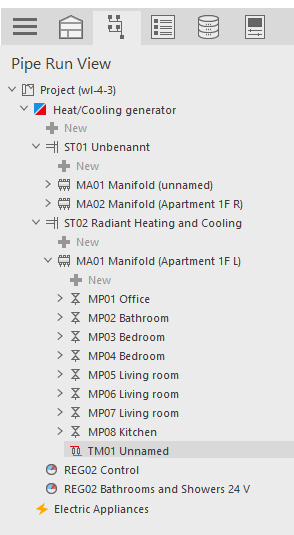
The Tichelmann connection appears in the Pipe Run View.
-
Use Drag-and-Drop to assign the desired circuit or circuits zones to the Tichelmann connection.
The Tichelmann circuit is created.