-
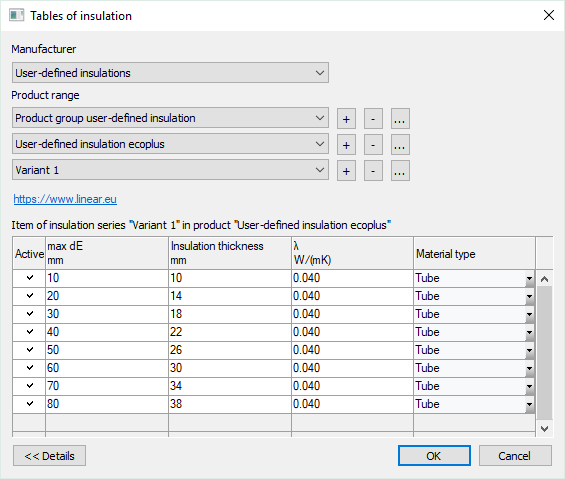
Under Manufacturer, select User-defined or User-defined insulations.
-
Select a user-defined product group under Product range or click + to create a new product group.
-
When creating a new product group, select the desired material type in the context menu that opens.
-
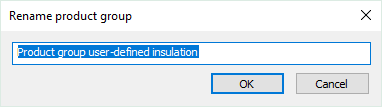
If necessary, click ... in the Product group section to rename the selected product group.
-
Enter a new name and confirm with OK.
-
If necessary, click ... in the Product(…) and Variant/insulation series(…) sections to rename the product and the series/insulation series.
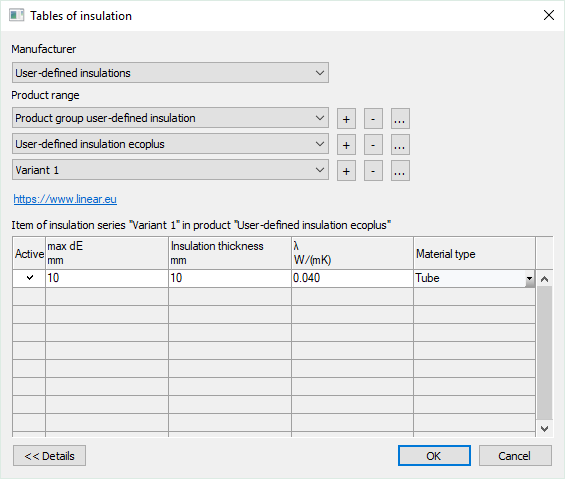
One line has been created in the table. If necessary, click Details << to show the table.
-
Enter the maximum external diameter, the insulation thickness, the thermal conductivity and the material type.
-
Click in a free line in the table to create insulation for another external pipe diameter.
-
Repeat the process for all external pipe diameters for which the insulating material is to be used .
The insulation series is created and is available for the following functions
-
Pipe Network Calculations Heating, Cooling, Potable Water, Waste Water: Material Settings
-
Duct Network Calculation: Assign Insulating Material