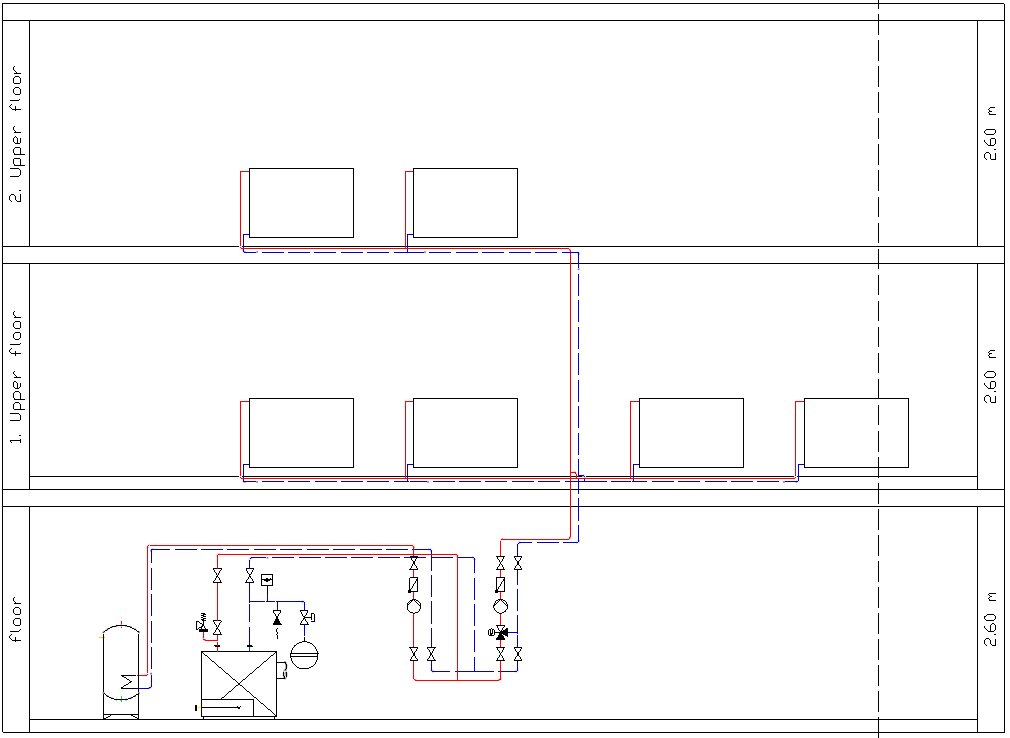
-
In the lower storey that is to be connected, place the Secondary Pipe Run Start symbol on the desired symbol fields.
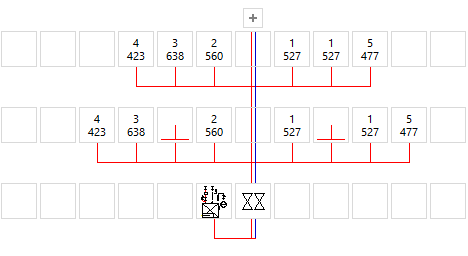
-
In the upper storey that is to be connected, place the Secondary Pipe Run End symbol on the symbol fields located above the Secondary Pipe Run Start symbols of the lower storey.
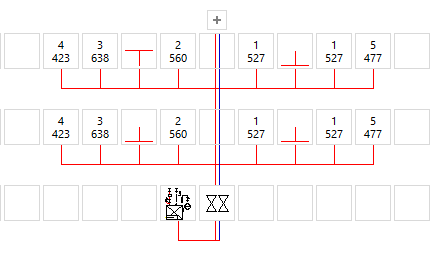
The secondary pipe runs have been layed out and the connection to the main pipe run is only made at the lower storey.