-
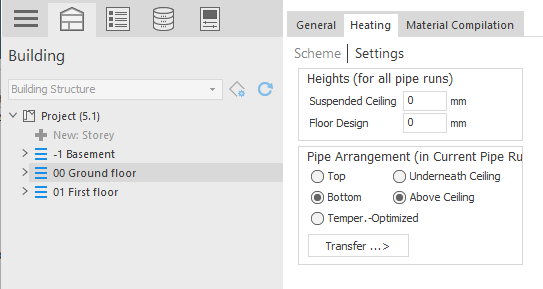
Select the storey to be set in the Building Structure so that the Settings button is visible.
-
Click Settings.
The Settings area is displayed.
-
Make the desired settings for the storey.
You have defined the storey settings of a storey for the schematic design and the pipe network calculation of a trade.