-
Enter the desired fitting length in the Air ducts section.
-
Click Assign fitting length <.
-
Click all sewer junctions that should receive the fitting length you set.
-
Finish the process with ESC.
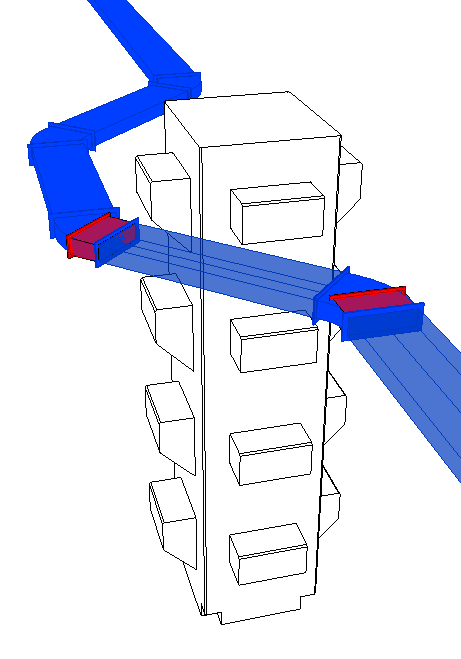
The selected sewer junctions have been assigned the desired fitting length. The fitting lengths with the corresponding loose flanges are considered in the export to e-klimaX.