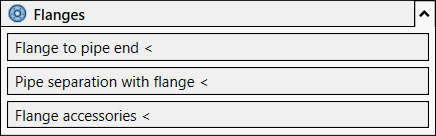
With the functions in the Flanges section you can place flanges in pipe networks and flange pipe accessories.
You are here:
Flange at Pipe End
When placing flanges at pipe ends, all you have to do is click a point near the end of a pipe that you want to add a flange to. The pipe end nearest to this point will be given a flange and correspondingly shortened.
Pipe Cut with Flange
In the case of pipe separation with flanges, the pipe is cut exactly at the selected point and a double-flange connection inserted.
Flange Accessories
When flanging accessories you can apply flanges to one or more pipe accessory components that are already connected to the pipe network. Here, flanges are applied to all connections of the components that are connected to the pipe network.