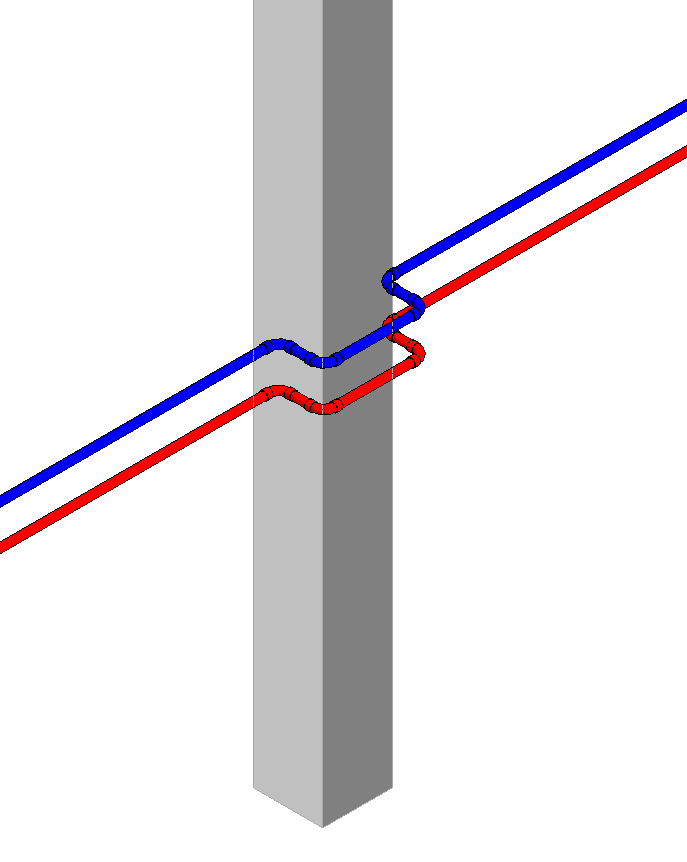
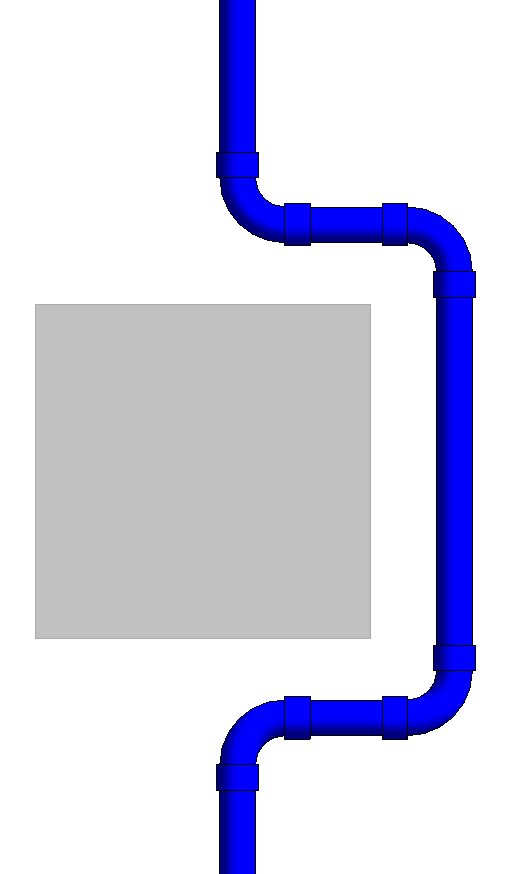
-
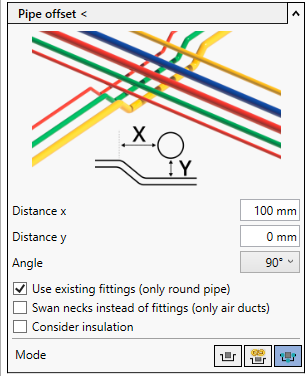
Open the Pipe offset section.
-
Select the bend angle to be used.
-
Activate the Manual offset mode.
-
Click Pipe offset <.
-
Select the pipes which are to circumnavigate the obstacle and confirm by pressing Enter.
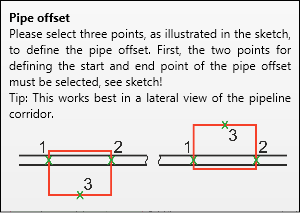
A guide to the procedure is displayed.
-
Define the length of the offset via mouse click.
The reference points indicate the length of the component to be bypassed. However, you can also enter any length, a minimum length is automatically maintained due to the design.
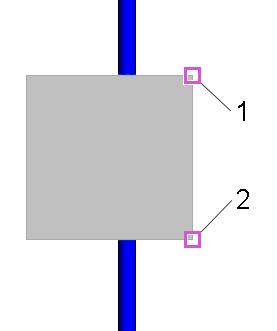
-
Use the mouse to show the distance that should be maintained between the component and the bypass and click there.
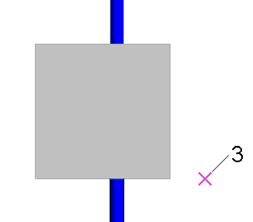
In a top view, the third mouse click describes the distance on the x-axis. In a section view, the third mouse click describes the distance on the y-axis. Depending on the design, a minimum distance is automatically maintained.
The collision is resolved.