-
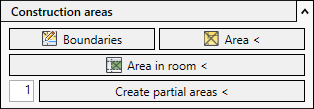
Open the Construction areas section.

-
Click Go to area plan.
If an area plan already exists for the current storey, it is used as the current view.
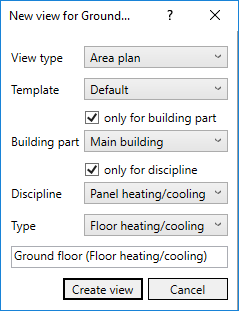
If there is no area plan for the current storey, the New view for... dialog opens.
-
Click Create view.
The area plan for the current storey has been created and is used as the current view.
The Construction areas section displays the functions for creating construction areas.