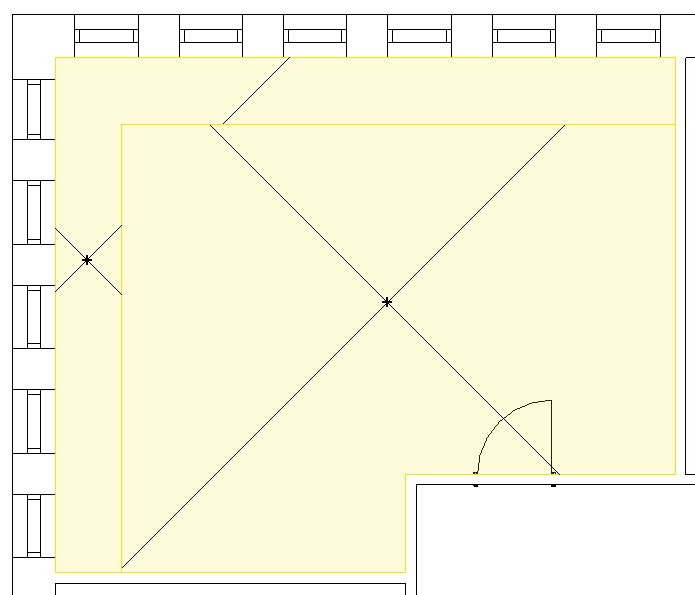
-
Open the Construction areas section.
-
Click Boundaries.
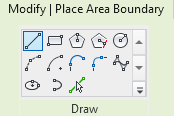
The Revit menu displays the Modify | Place Area Boundary tab and the Draw section.
-
Use the Revit drawing functions to construct the area boundary, such as a
 Line. The area boundary must be closed.
The construction area is adapted to the new area boundary.
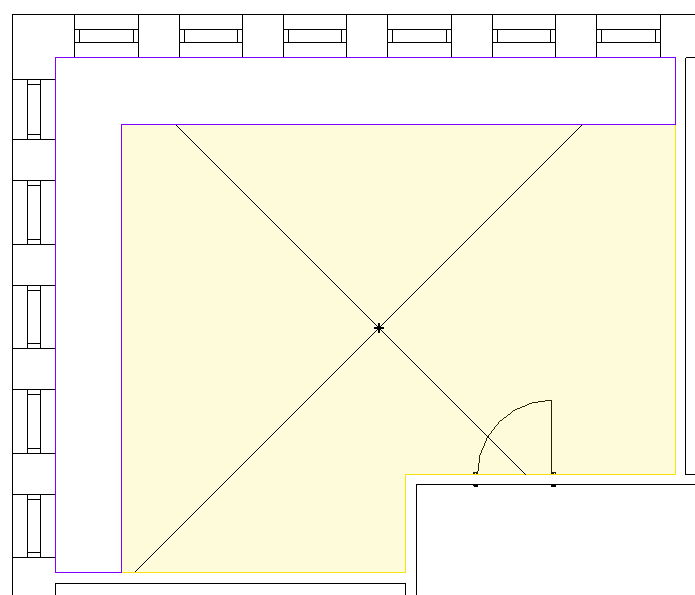
-
In the Construction areas section, click Area <
-
Move the cursor to the border zone and click.
The border zone is constructed.