-
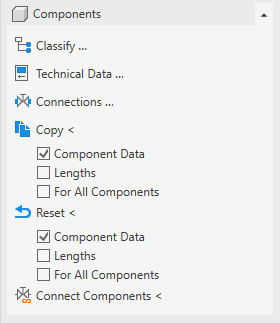
Open the Components section, if necessary.
-
Click Technical data….
-
Select the component, whose technical data you want to set.
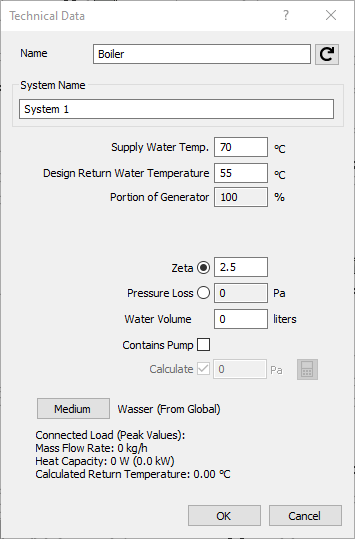
The dialog about the technical data opens. The technical data vary depending on the selected component type.
-
Make the desired settings and confirm your entries with OK.
-
If necessary, click another component to set its technical data.
-
Finish the process by Esc.
The technical data of the selected components are set and saved in the project.