-
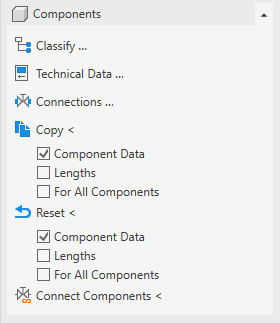
Open the Components section.
-
In the Settings copy/reset area, activate the check boxes of the properties you want to copy.
-
If the technical data are to be copied to all components of the same component type, activate the for all similar elements check box.
-
Click Copy .
-
Select the origin component, whose data are to be copied.
-
Select the components that are to receive the properties and confirm with Enter.
If you have activated the for all similar elements check box, the settings are already copied and you do not have to select a component.
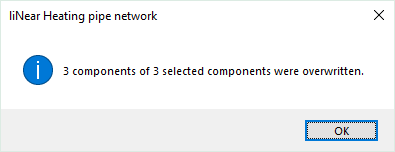
A dialog informs you about the number of overwritten components.
The settings of the component, pipe or duct are copied and are used for the calculation.