-
Click Usage units.
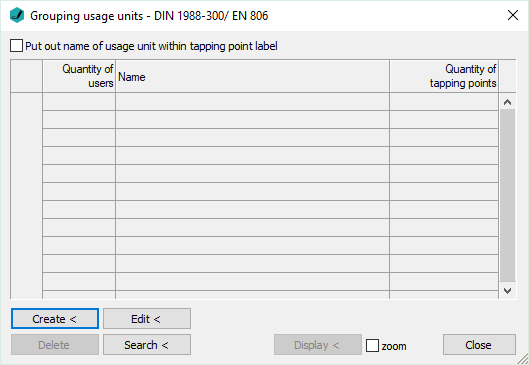
The Grouping usage units dialog opens.
-
Click Create <.
-
In the model, select the tapping points belonging to a usage unit and confirm with Enter.
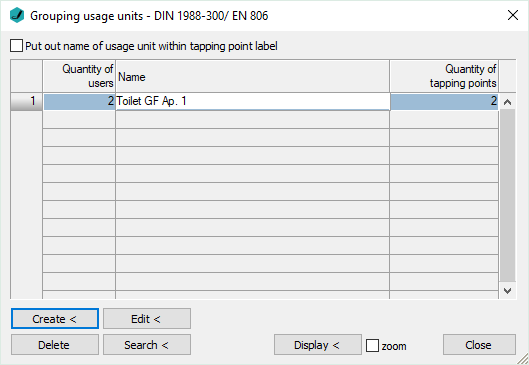
In the Grouping usage units dialog, a new line is created. The Quantity of users is preset to 2. The Quantity of tapping points equals the number of the selected consumer components.
-
Enter a name for the usage unit.
-
Repeat steps 2 to 4 until all tapping points are assigned to a usage unit.
All tapping points are assigned to a usage unit. The program sets automatically, if a tapping point is to be considered for peak flow rate.