-
Under Manufacturer, click on
 and then on Create entry.
 -
Enter the manufacturer name in the following window and confirm your entry by clicking OK.
-
Under Model series, click on
and then on Create entry to create a model series.The Create model series dialog opens.
-
Enter a name for the model series and select the correct valve type for the model series from the Valve type drop-down list.
-
In the Nominal diameter area, click on
and then on Create entry.The Create nominal diameter dialog opens.
-
Enter all the required values and close the dialog by clicking OK.
-
After clicking in the table, enter all the required data.
-
Create all the required nominal diameters as described.
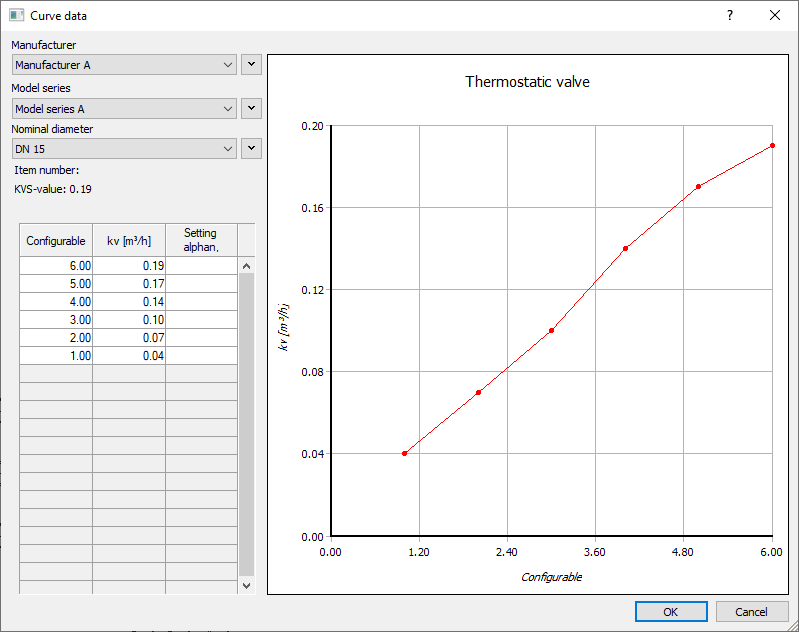
The user-defined valve has been created with all the required nominal diameters and is available for selection in the Select valve series dialog next to the already installed data sets.