-
Click Valves ... in the Material data section.
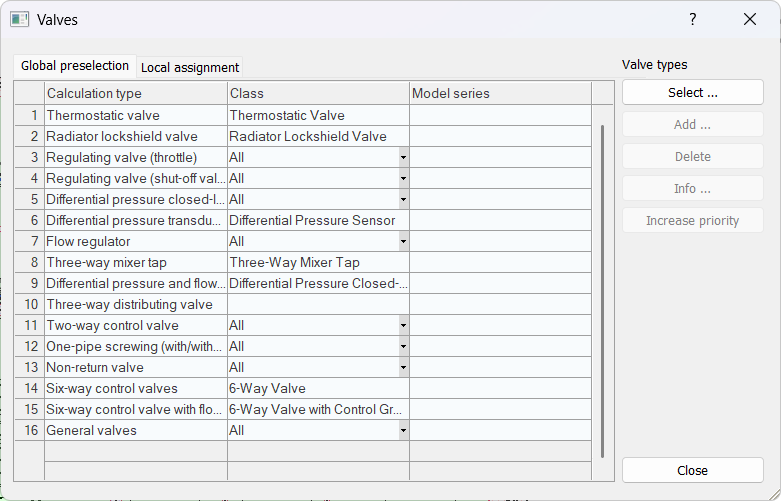
The Valves dialog opens.
-
Open the Local assignment tab.
-
Select the desired Calculation Type (valve type) and click Select ....
The Select valve series dialog opens.
-
Select a manufacturer, a kind of valve and, if necessary, a valve type.
The matching valves are listed in the Models/Name section. The filters in the Filter versions and accessories section can be used to further narrow down the selection.
-
Select a valve in the Models/Name section.
The table displays the valve data.
-
If necessary, use the filter button
 to further narrow down the selection of models displayed.
 -
If you want to exclude certain nominal diameters from being used, deactivate the Selection field in the corresponding line.
-
Click Apply.
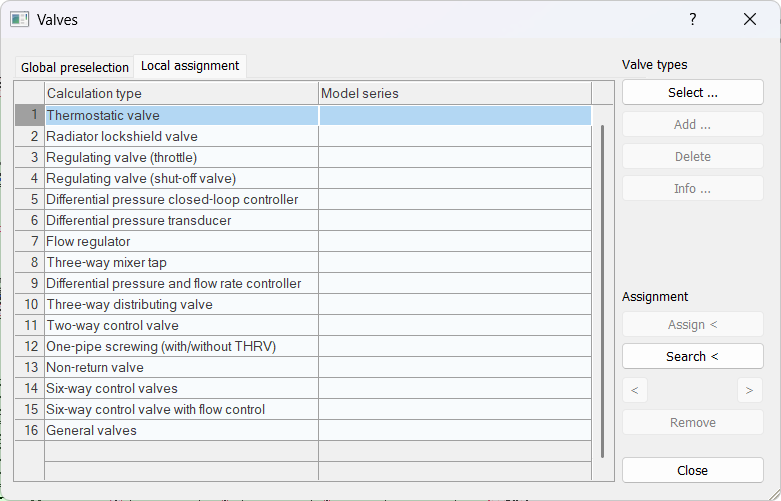
The Select valve series dialog closes and the selected valve is added to the Valves dialog.
-
Select the valve you want to assign in the table.
-
Click Assign<.
-
Select the components that are to receive the selected valve and confirm with Enter.
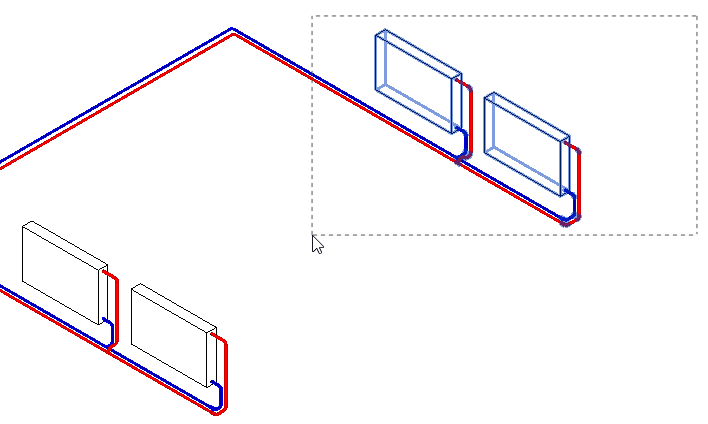
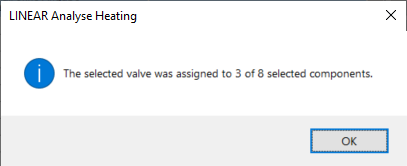
A dialog displays how many components received the local valve assignment.
-
Close the dialog with OK.
You will return to the Valve dialog.
The data of the valve are assigned to the selected components.