-
Click Valves in the Material data section.
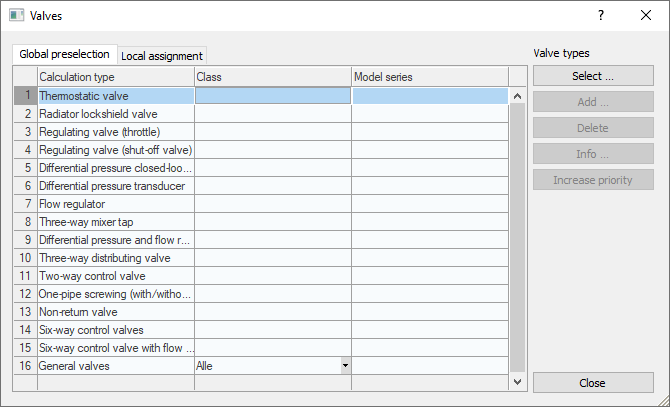
The Valves dialog opens.
-
Open the Global preselection tab.
-
Select a class for the desired Calculation Type (valve type) in the drop-down list in the Class column.
-
Select the desired Calculation Type (valve type) and click Select ....
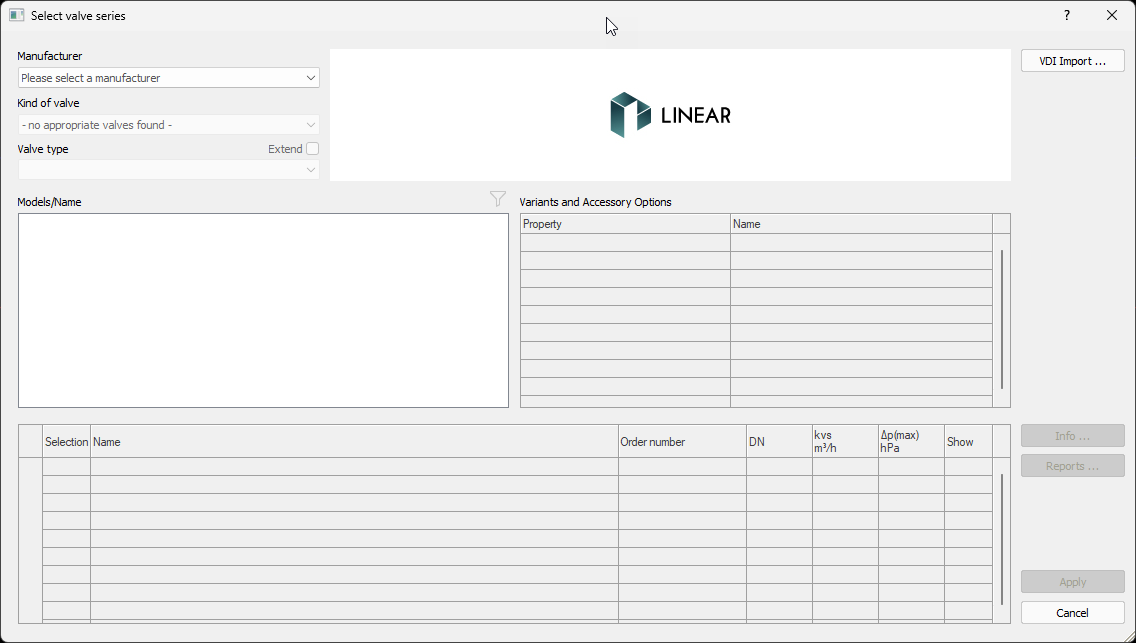
The Select valve series dialog opens.
-
In the Select valve series dialog, click VDI import....
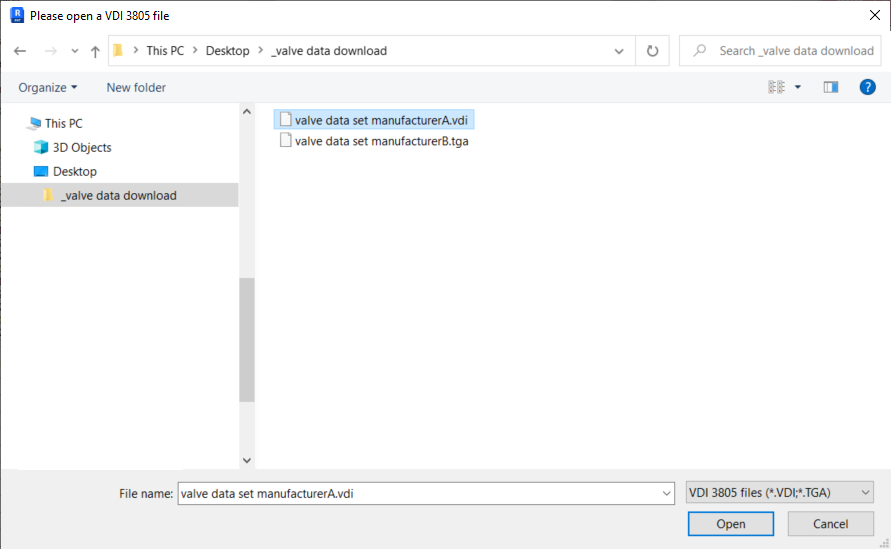
The Windows explorer opens.
-
Select the desired file.
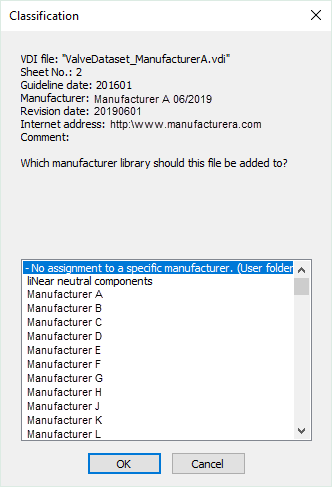
The Classification dialog opens.
-
Select the manufacturer, to which the new dataset is to be added and confirm with Enter.
The imported data set is available in the Select valve series dialog.