-
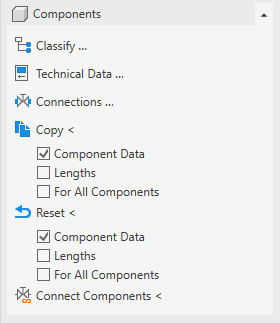
Open the Components section.
-
Click on Technical Data ….
-
Select the component, whose connections you want to set.
The Technical Data dialog opens.
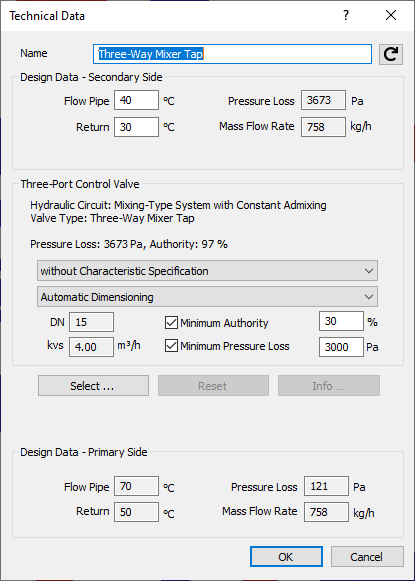
Example of the Technical Data dialog for three-way mixing valves
-
Use the drop-down list Inlet to specify the connection type of the incoming component connection.
-
Use the drop-down list Outlet to specify the connection type of the outgoing component connection.
-
If necessary, use the drop-down list Branch to specify the connection type for the branching component connection, provided the component has a branch.
-
Close the dialog with OK.
You have configured the component's connections, and any additional connection materials required are included in the bill of materials, provided that the data set for the selected piping system contains the corresponding materials.