You are here:
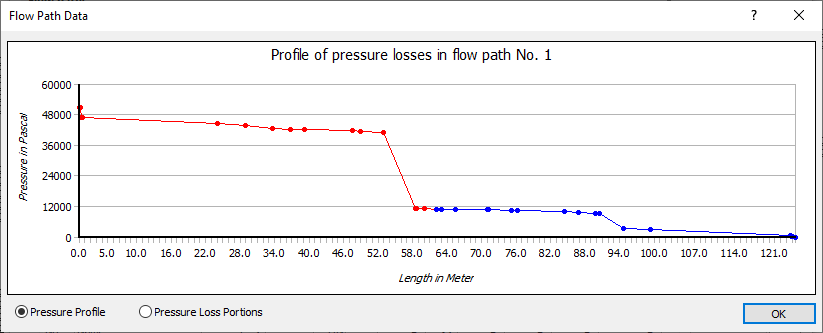
Pressure profile
Enabled: Graphically displays the profile of pressure losses of the flow path selected in the calculation dialog. The nodes mark the beginning of a new pipe section.
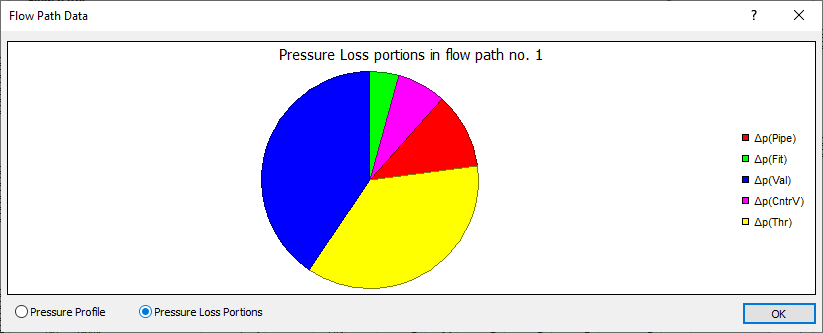
Pressure loss portions
Enabled: Displays the pressure losses of the pipes, fittings, armatures and throttling , valves of the flow path selected in the calculation dialog in a pie chart.