-
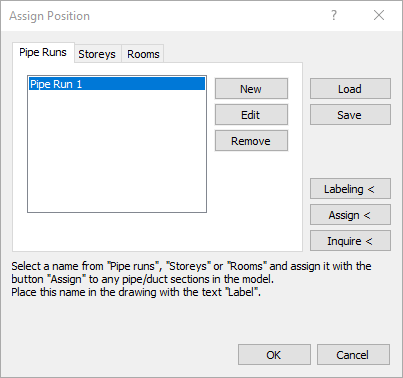
Select via the tabs whether you want to enter a pipe run, storey, or room designation.
-
Click New....
The editing field is opened.
-
Enter a new name and confirm with Enter.
The position is shown in the preview.
-
If necessary, repeat the steps 1 to 3, in order to create more names.
-
Mark a name in the selection window and click Assign <.
-
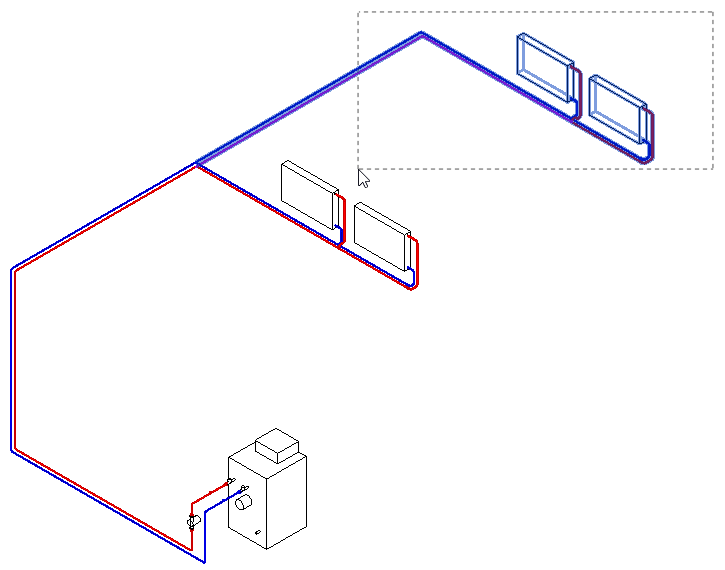
Select one or more pipe sections, which belong to the selected pipe run, storey or room and confirm with Enter.
-
Repeat the steps 5 to 6, in order to assign further names.
-
Close the dialog with OK.
The names are assigned to the pipe sections and will be displayed in the calculation dialog and in the printouts.