-
If necessary, open the Material Data section.
-
Click Radiator Connection ....
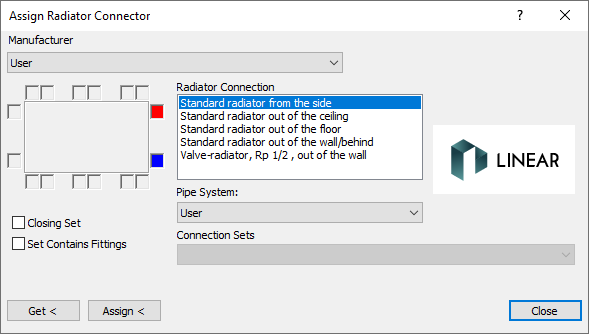
The Assign Radiator Connector dialog opens.
-
Select a manufacturer, the type of connection, a fitting pipe system and a connecting set.
-
If the radiator to which the connection is to be assigned, is the last component in a row, activate the Closing Set check box.
-
Click Assign<.
-
Select the radiators that are to receive the selected connection and confirm with Enter.
The radiator connections are assigned to the selected radiators.