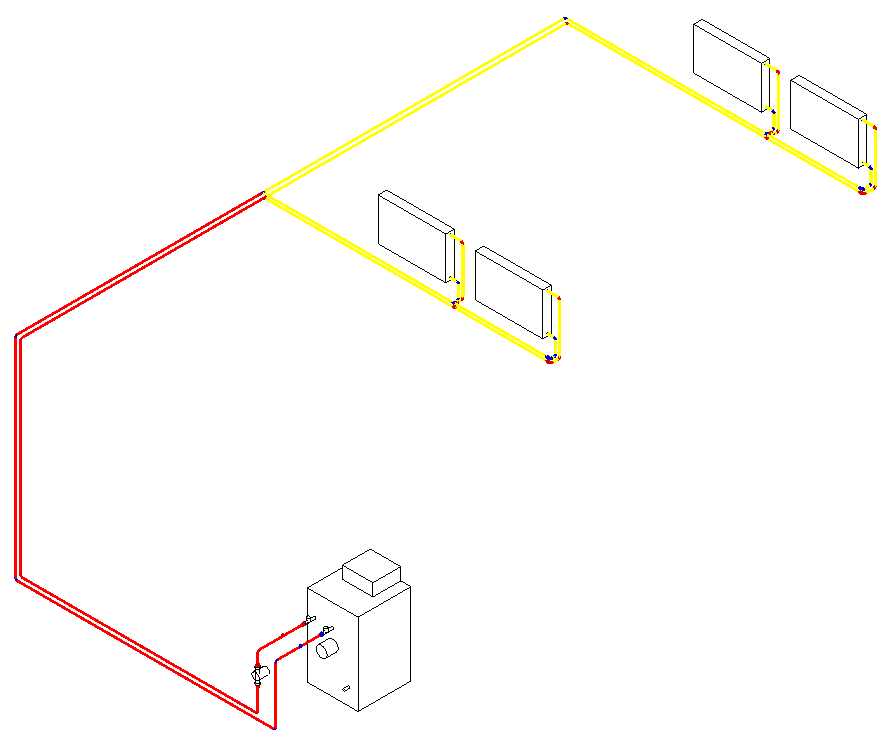
-
Decide which material combination you want to assign and enable it by clicking in the corresponding row.
-
Click on Assign ….
-
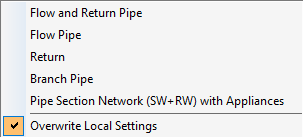
In the context menu, select the desired filter.
-
Select the pipes in the model that are to receive the selected material combination and confirm the selection with Enter.
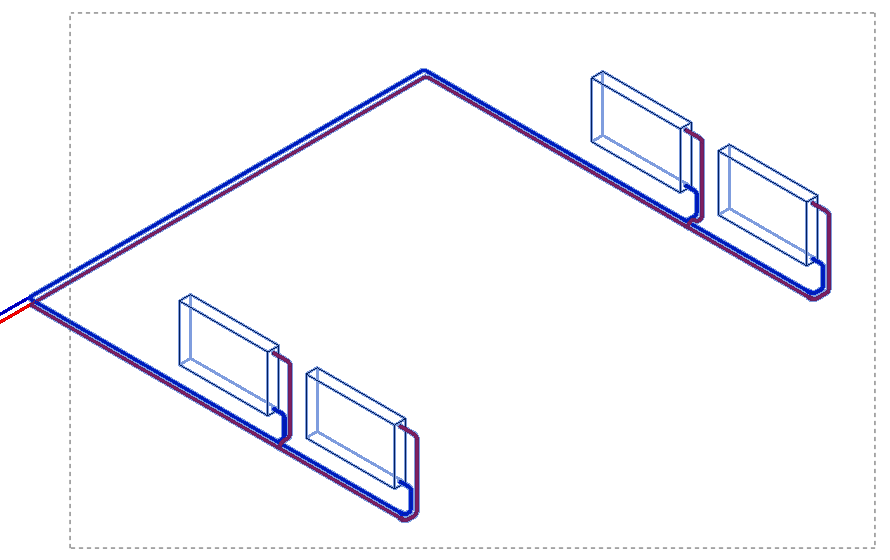
A message indicates how many sections the material combination has been assigned to.
-
Close the message with OK.
-
If necessary, repeat the process for additional pipes that may have different material combinations.
-
Close the Pipes and Insulations dialog with OK to save the settings in the project.
The material combinations have been assigned and can be displayed via the Visualization ….