-
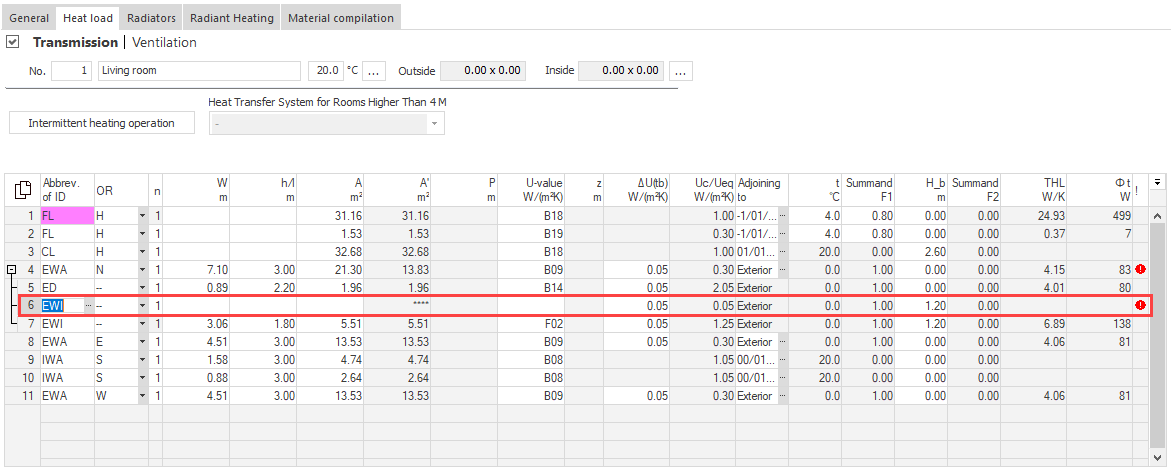
Click in the line above which you would like to insert the new component.
-
Press F5.
A new, empty line is inserted above the current line.
-
Enter all relevant data.
The new component is inserted and provided with relevant data.