-
Determine the reference temperatures for cooling and heating.
-
Click on
 beside Usage Time ().
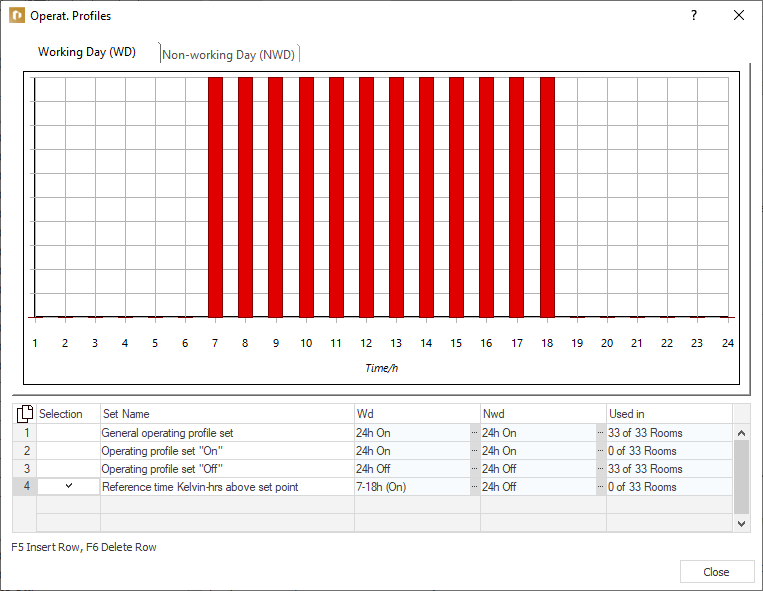
The Operating Profiles dialog opens.
-
Activate the desired profile and Close the dialog.
A new project includes standard operating profiles, which you can change if need be.
-
In Max. Kelvin-Hours above Set Point or in Max. Kelvin-Hours below Set Point, click ... and select the desired value.
The Kelvin-hours above/below set point are determined and displayed in the result overview of the rooms. If the defined values are exceeded, a warning is issued for the respective room.