-
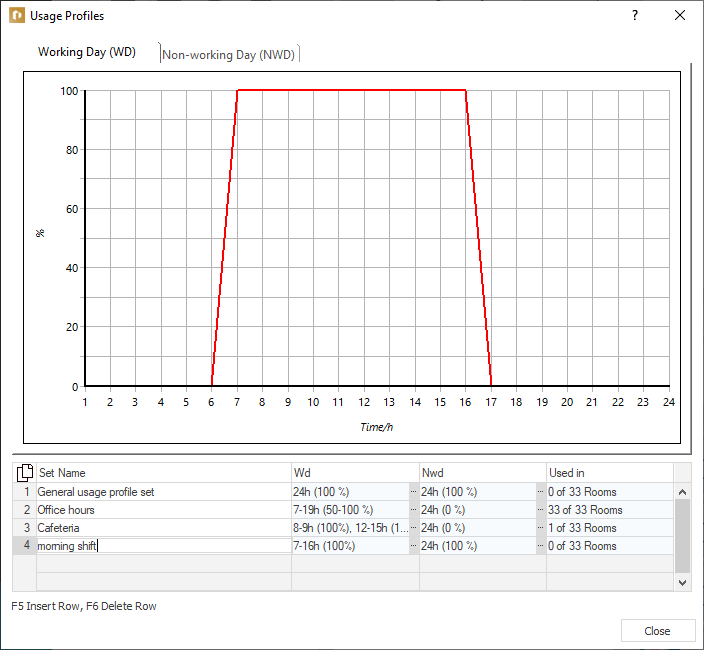
Click in an empty row in the table and enter a name for the profile set in the Set Name column.
-
In the WD column, click
 .
.The Edit use profile dialog opens.
-
Activate the Expand Usage Profile option.
-
You can either
- select a predefined time profile from the <Daily Cycle Selection> dropdown list, or
- enter per hour the percentage use of the respective internal load under the diagram; or
- click into the diagram and drag to the desired value to set the desired hourly value.
-
Close the Edit Usage Profile dialog.
The desired use profiles are created and can be assigned to the corresponding rooms in the dialog Assignment of Internal Loads.